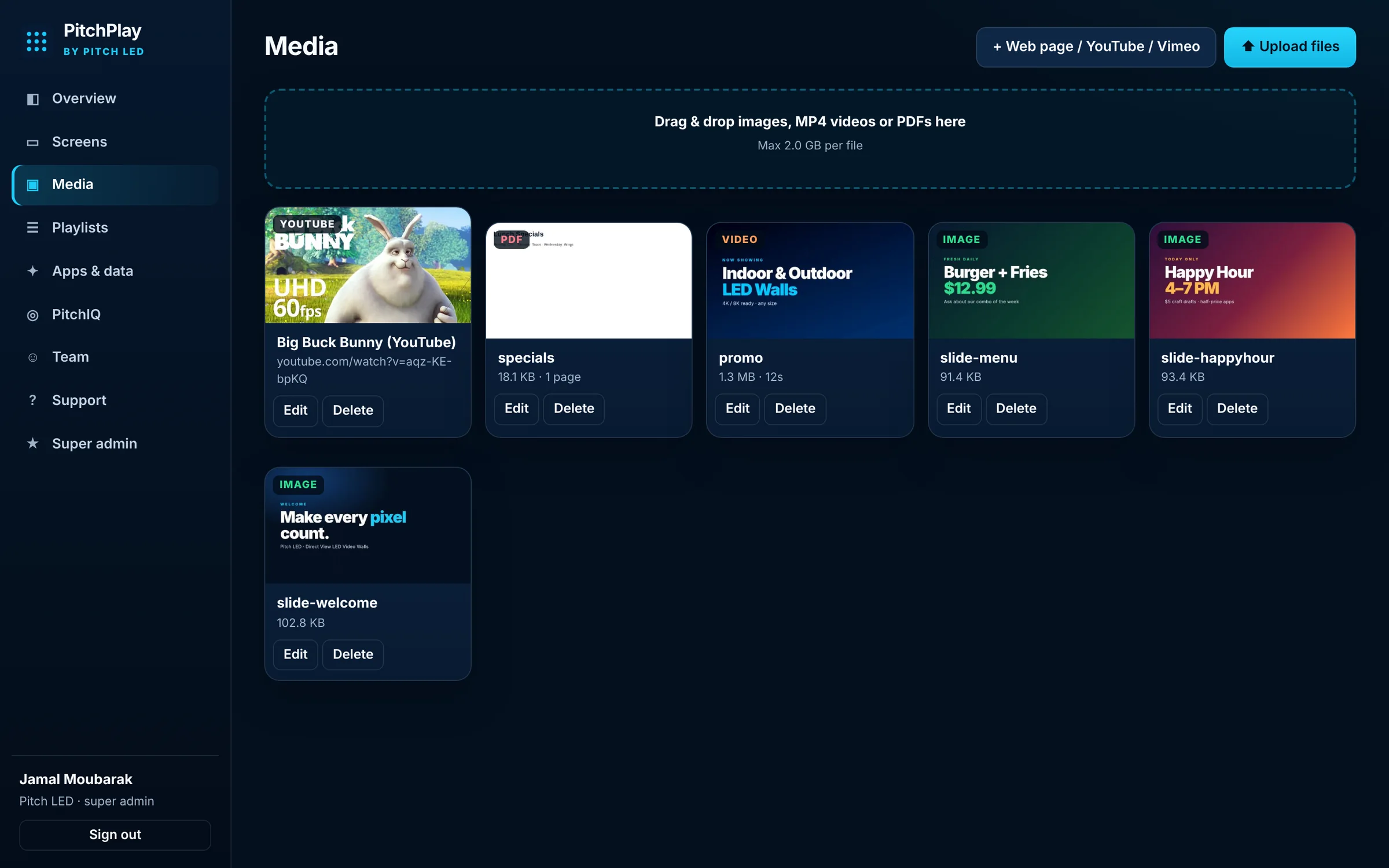
Media
Images, video, PDFs and the web
Drag in files, or add a web page, YouTube or Vimeo link. Your library is ready to drop into any playlist.


A dashboard for your screens, a player for the wall, and an app you can install on Android, Android TV, Google TV and Fire TV. Built to sit on the LED video walls Pitch LED designs — and on the displays you already have.
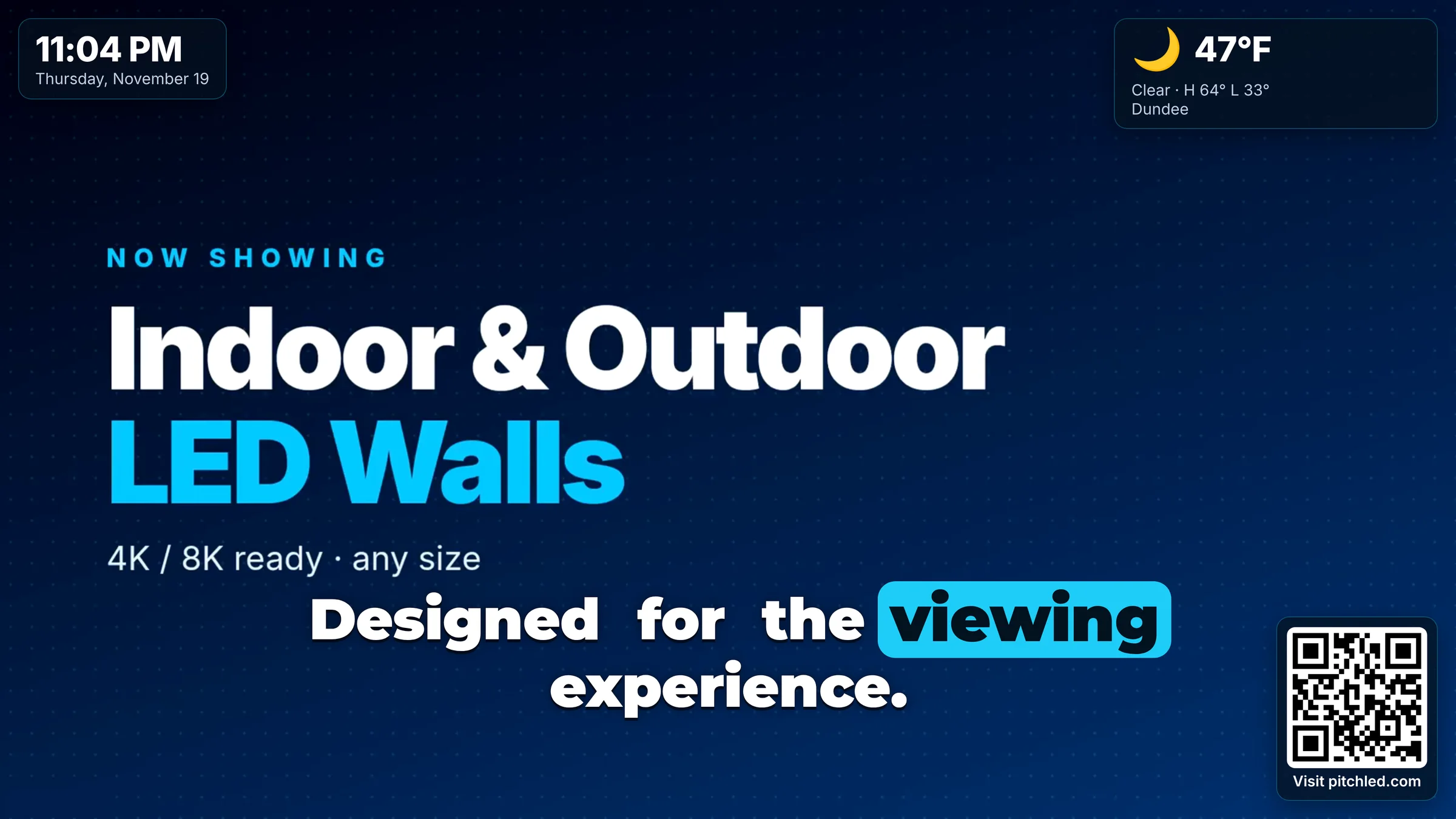
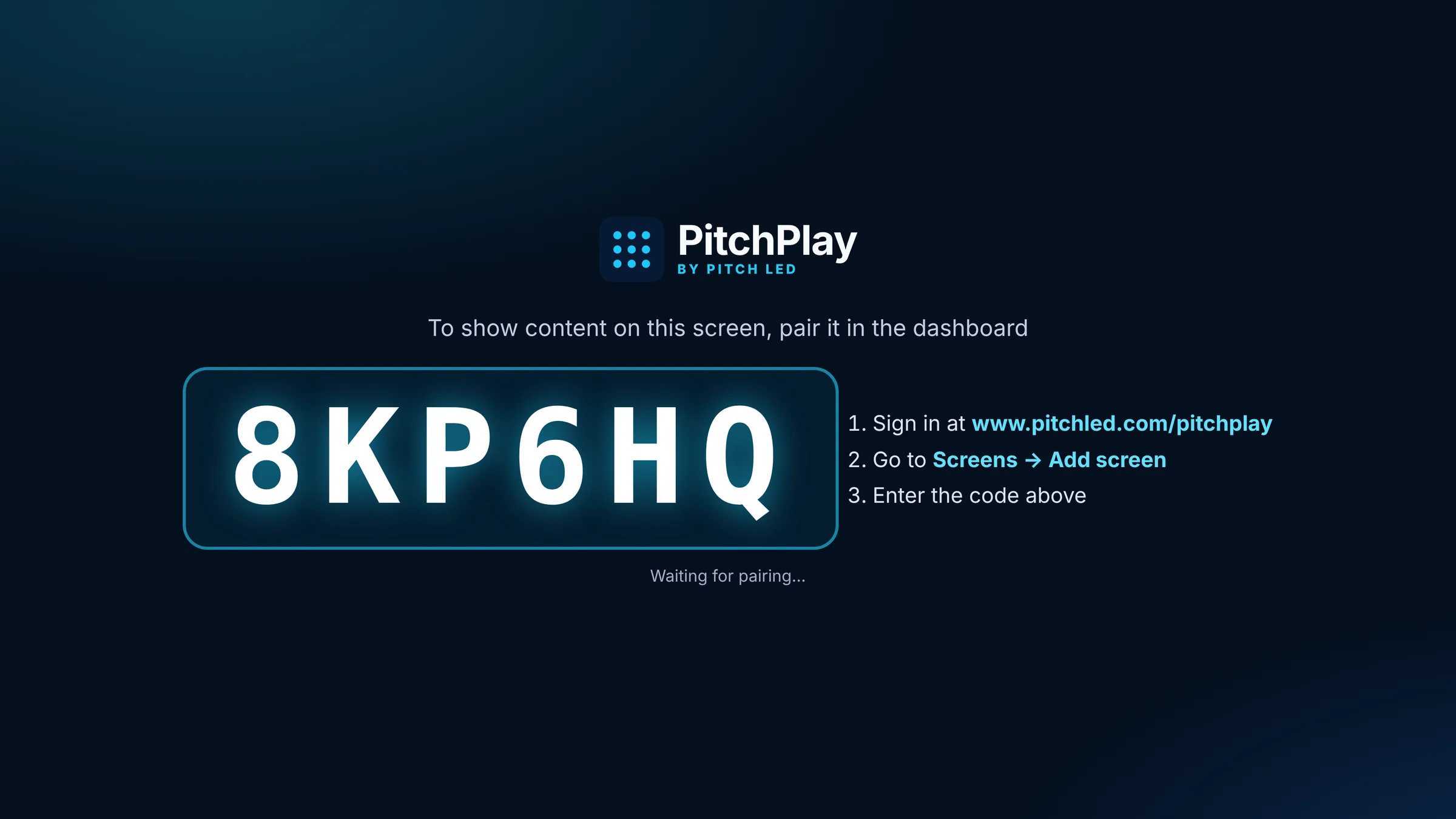
Sign in on the web, pair a player with a six-character code, upload media and arrange a loop. When you are ready, assign the playlist to one screen, a group, or every display on the account.
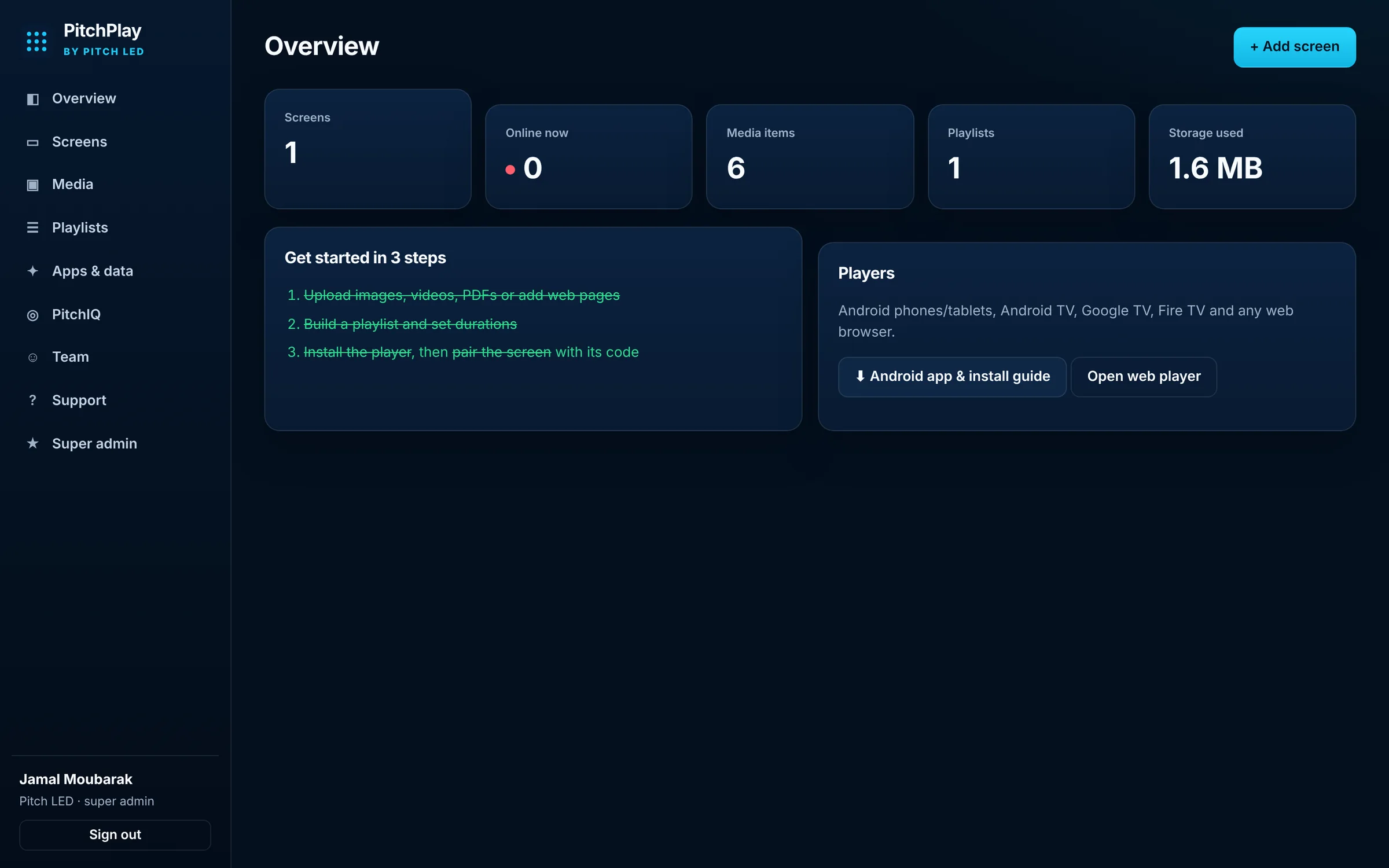
The PitchPlay dashboard in a browser. No special software to install on the computer you use to manage screens.
Drag in files, or add a web page, YouTube or Vimeo link. Your library is ready to drop into any playlist.
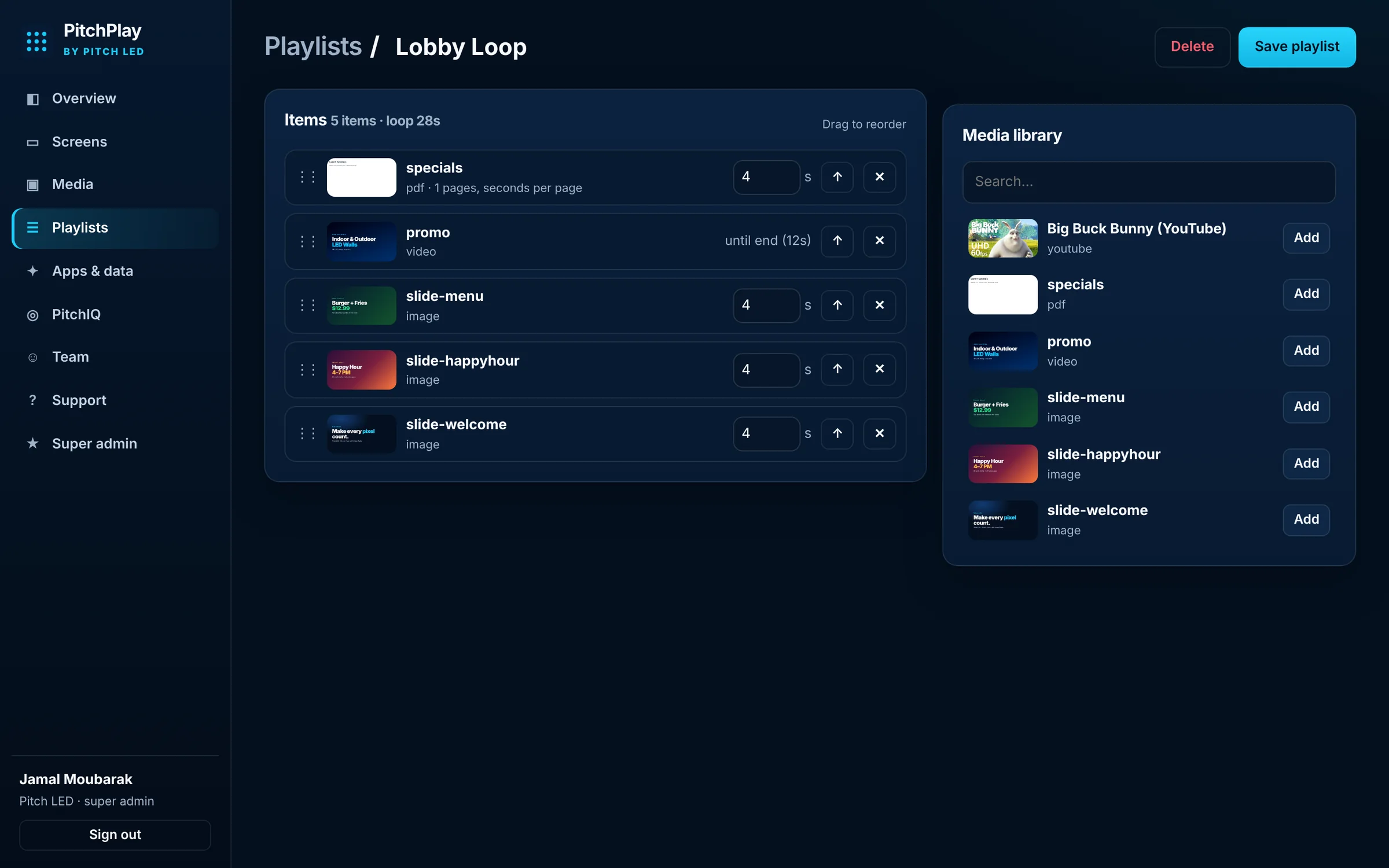
Set how long each item plays, drag to reorder, and save. Screens pick up the change on the next update.
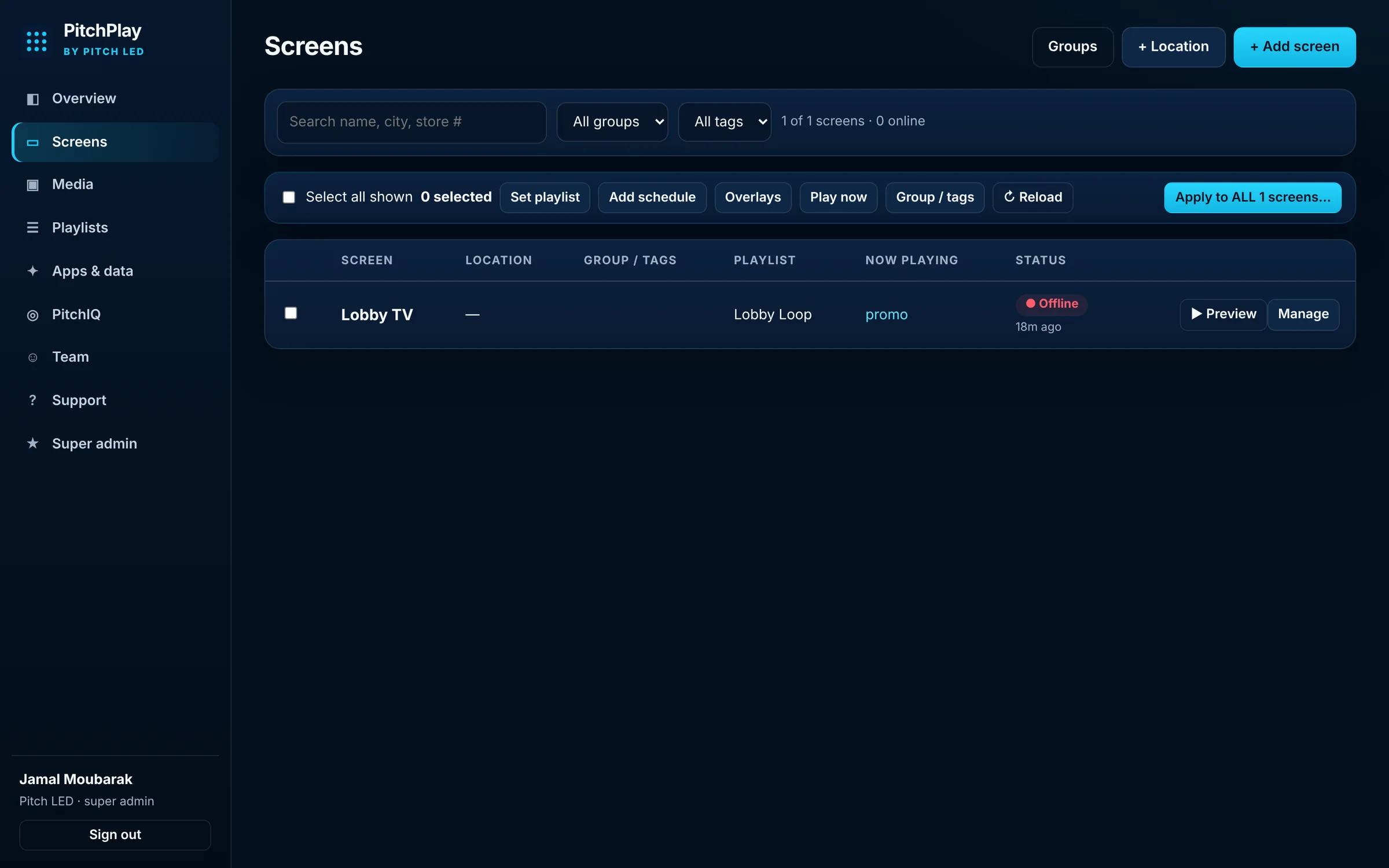
Search, group and tag screens. Set a playlist, add a schedule, apply overlays, or preview a screen without standing in front of it.
Install the PitchPlay app or open the web player. A six-character code appears. Enter it under Add screen, pick a playlist, and content starts playing. The same flow works on a phone, a tablet, an Android TV or Google TV box, a Fire TV stick, or a browser kiosk.
Add local weather, a clock, a QR code or reel-style captions without replacing the video or graphic underneath. Tokens can fill in a location name, address, phone number or hours so the same overlay template works across many screens. Update one display, a group, or all screens at once.
Clock, weather, reel captions and a QR code layered over a playing video.
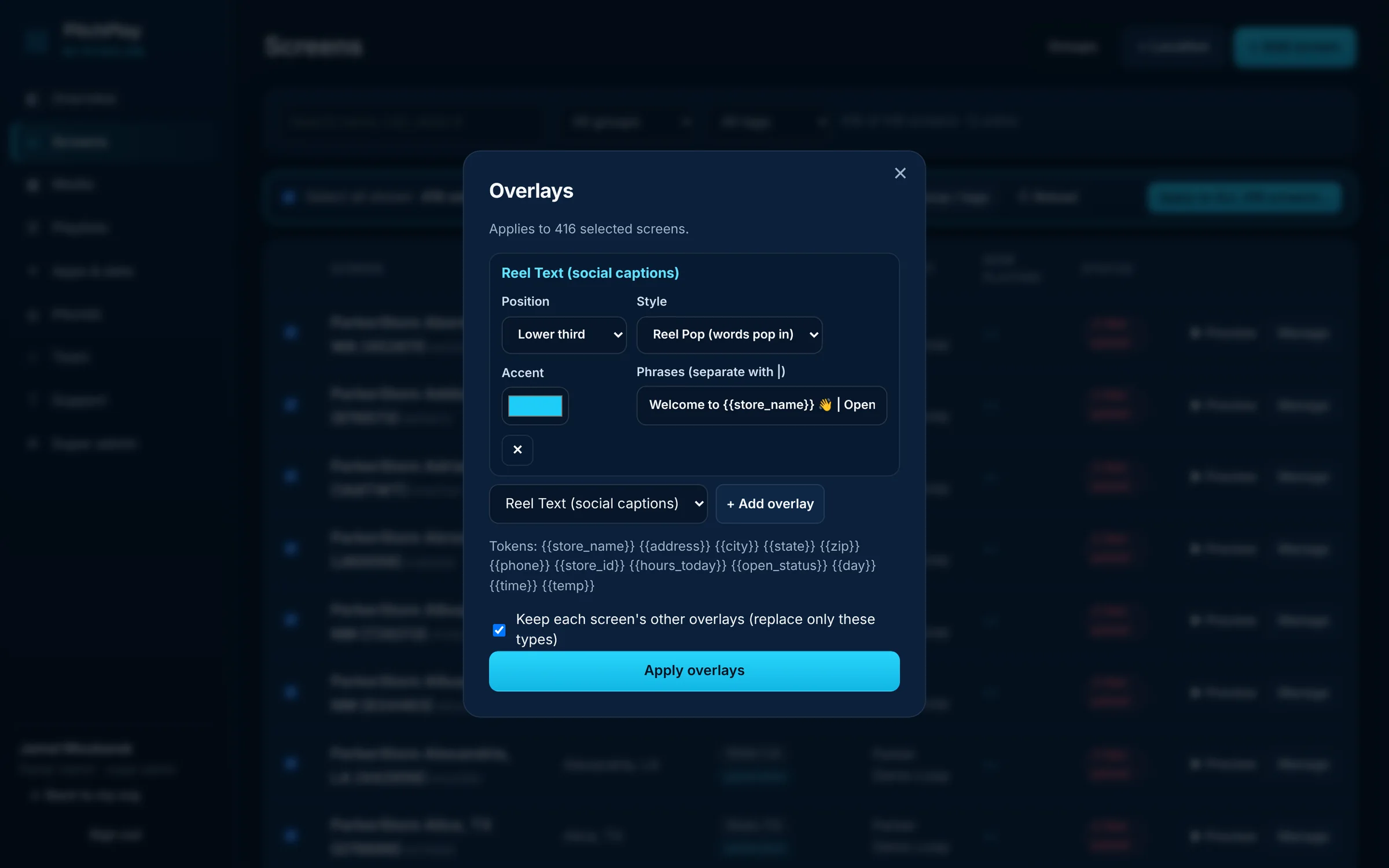
Apply an overlay to every selected screen, or keep each screen’s other overlays in place.
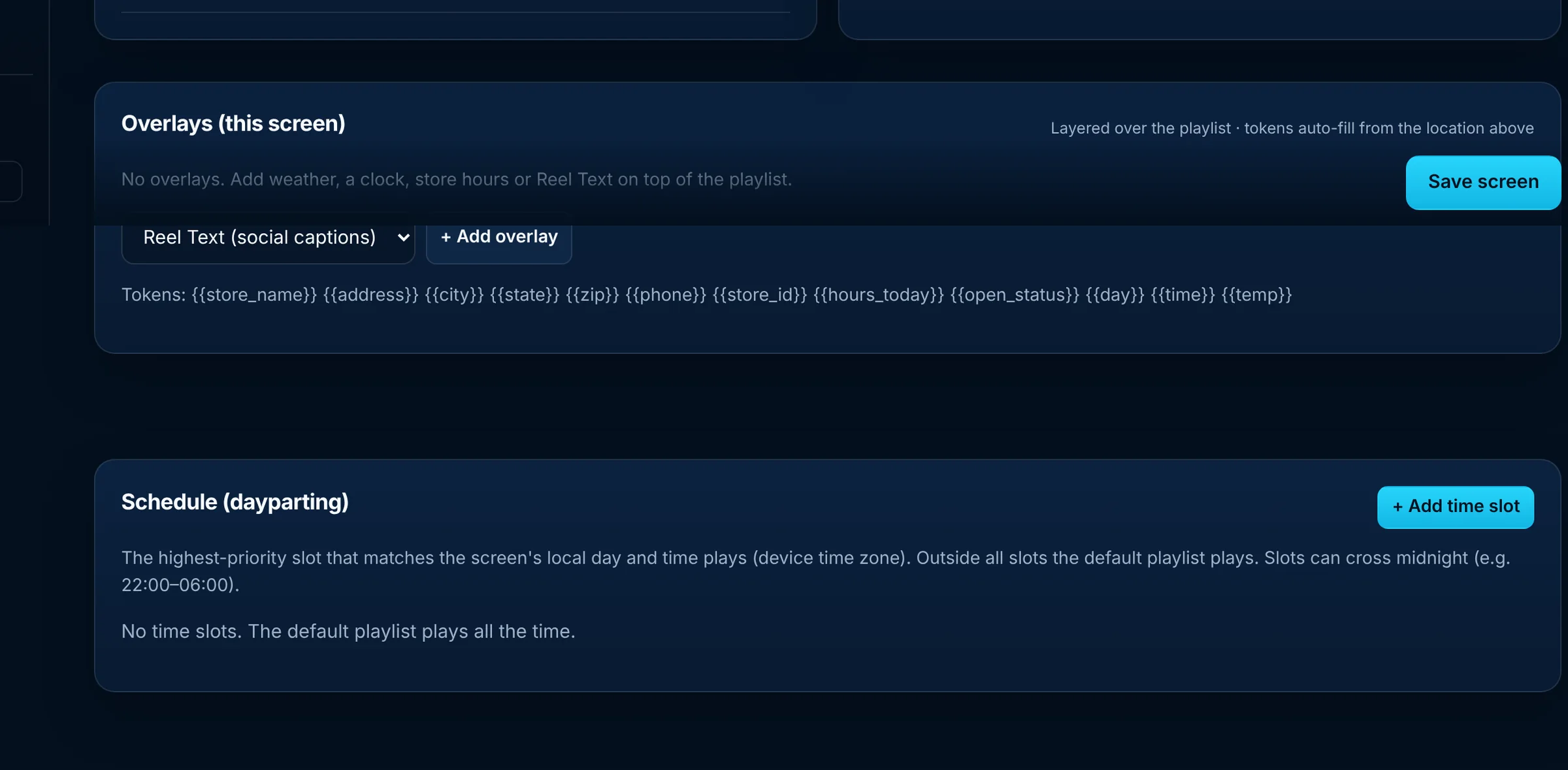
Each screen can also have its own overlays and a dayparting schedule. Outside scheduled slots, the default playlist plays.
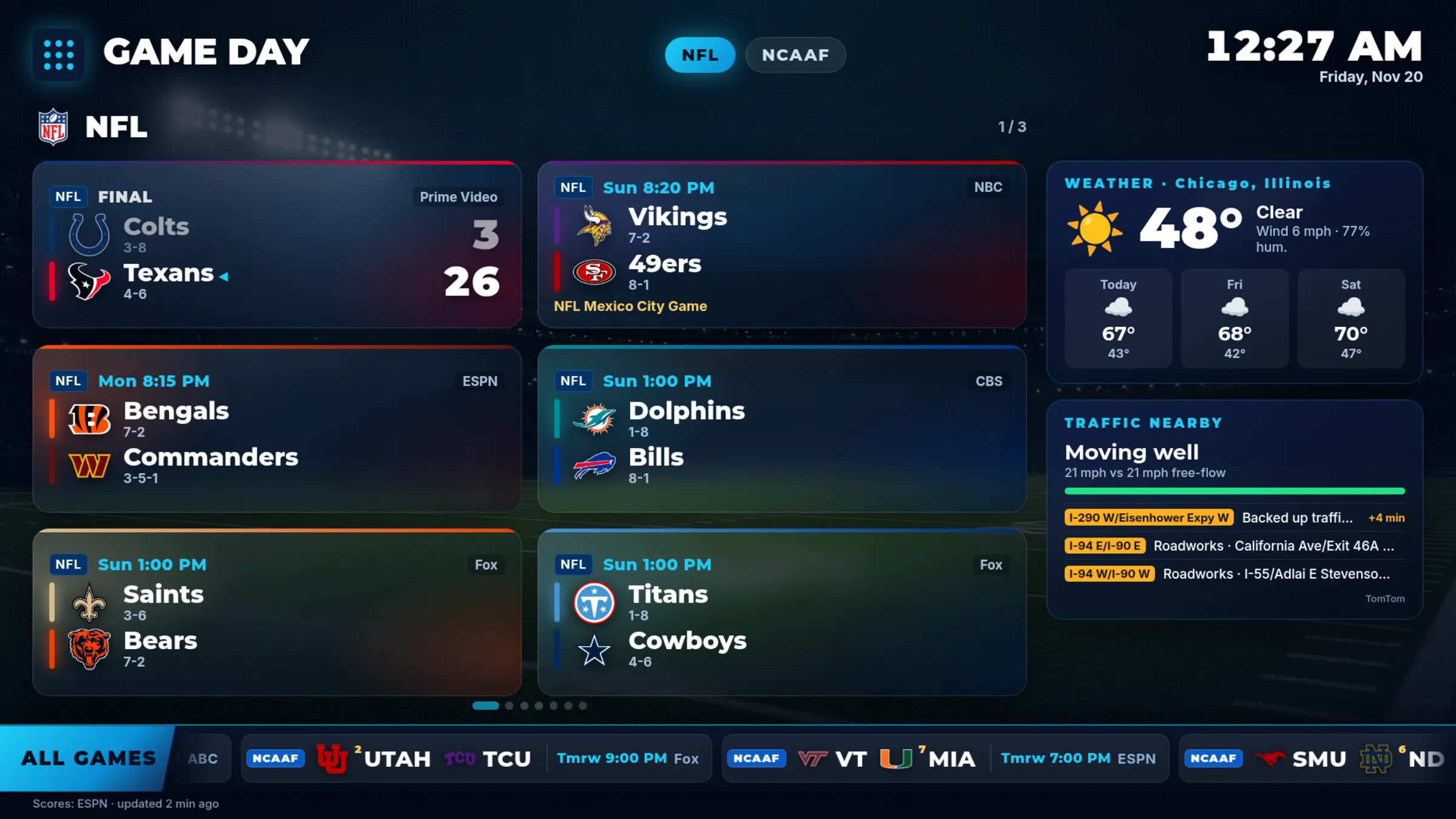
PitchPlay Sports is the full-screen edition: live scores with team logos, weather, traffic and stocks over HD court and field backgrounds — $15 per screen per month on the self-serve Starter plan. Made for sports bars, restaurants, hotels, gyms and home.
A scoreboard or menu board keeps the same header, logos and ticker in place all day, and that is what can burn into an OLED TV over time. Turn on Burn-in protection and PitchPlay slowly shifts the whole picture a few pixels, dims static elements like the header logo and ticker from time to time, and runs a quick full-screen refresh sweep once an hour. Set a screen’s panel type to OLED and it switches on automatically.
Per-screen setting: Off, Standard, or OLED (max).
Whole groups at once from the Screens list, like any other bulk change.
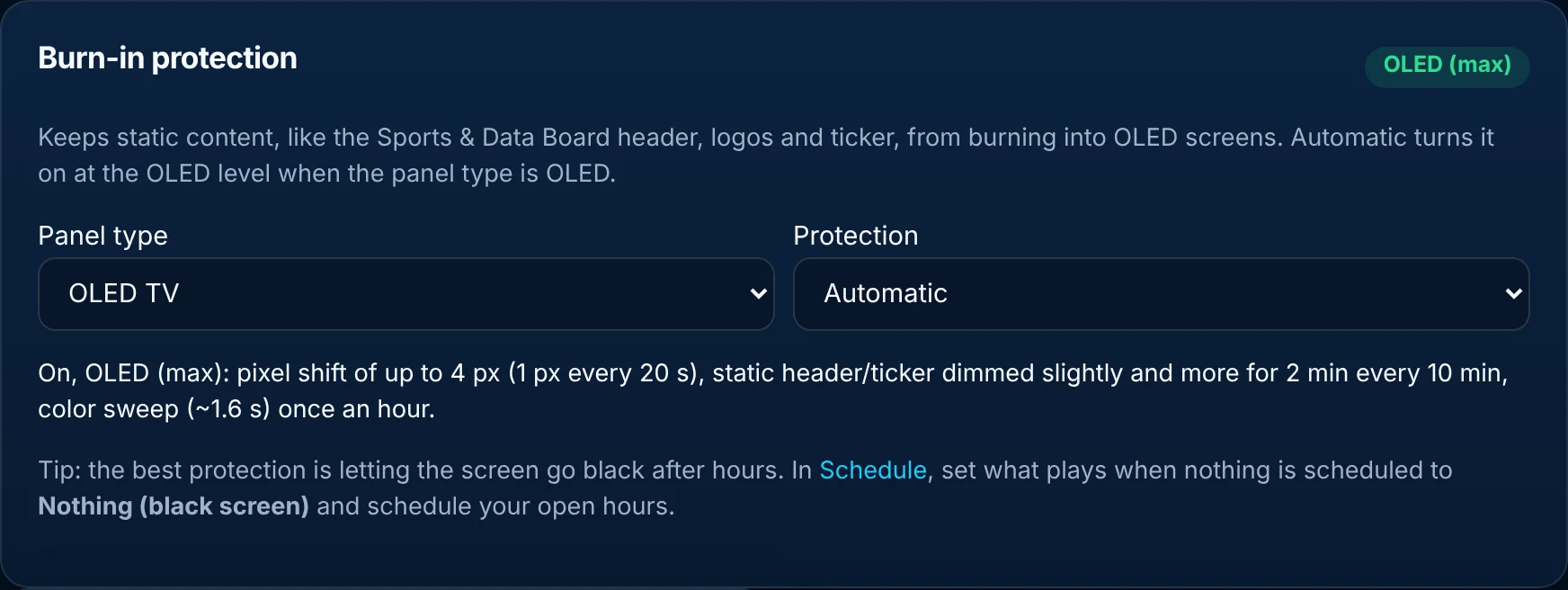
The Burn-in protection card on a screen in the PitchPlay dashboard.
Select the displays you want, then set a playlist, add a schedule, apply overlays, play an item now, or reload the players. Use groups and tags when you want a subset — a region, a room type, a campaign — without walking through each screen by hand. Running many locations? See digital signage for franchises and our Enterprise & Multi-location plan.
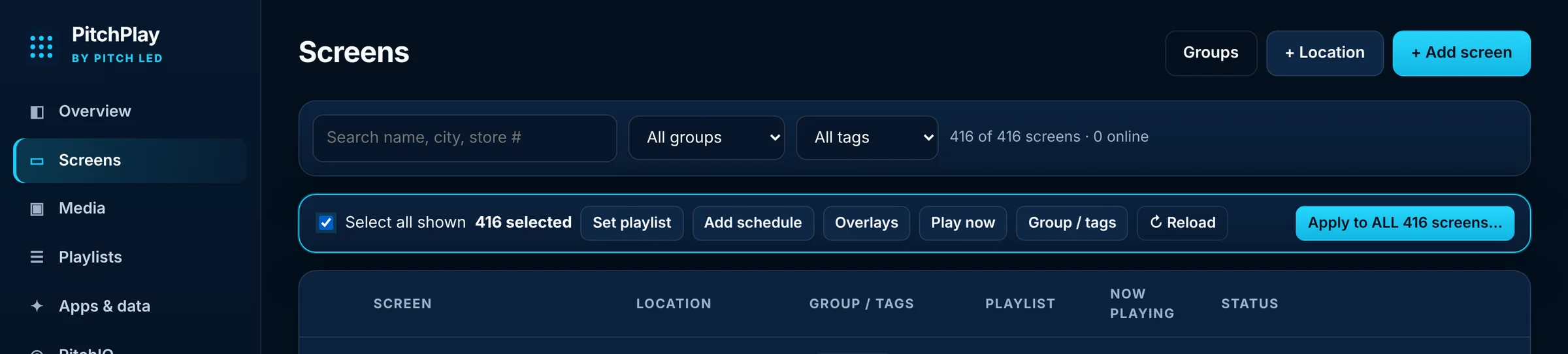
Select screens, then apply a playlist, schedule or overlay to the selection or to every screen on the account.
The PitchPlay Android app is signed for sideloading and covers phones, tablets, Android TV, Google TV and Fire TV. A web player is available when you would rather open a URL. Players can keep playing cached content if the connection drops. Step-by-step install guides, including Fire TV’s Downloader app, are on the public download page — no account required to get the app.
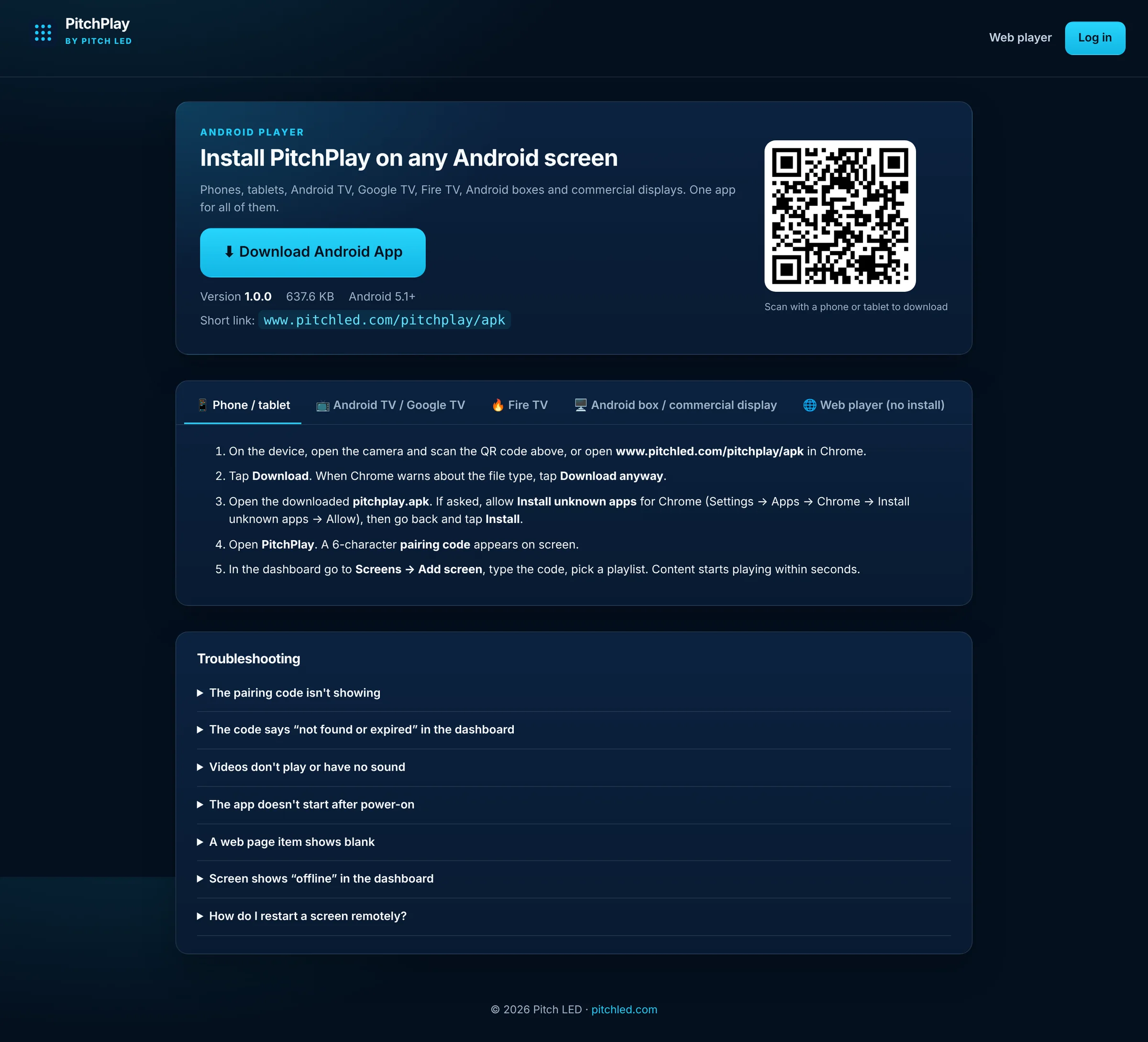
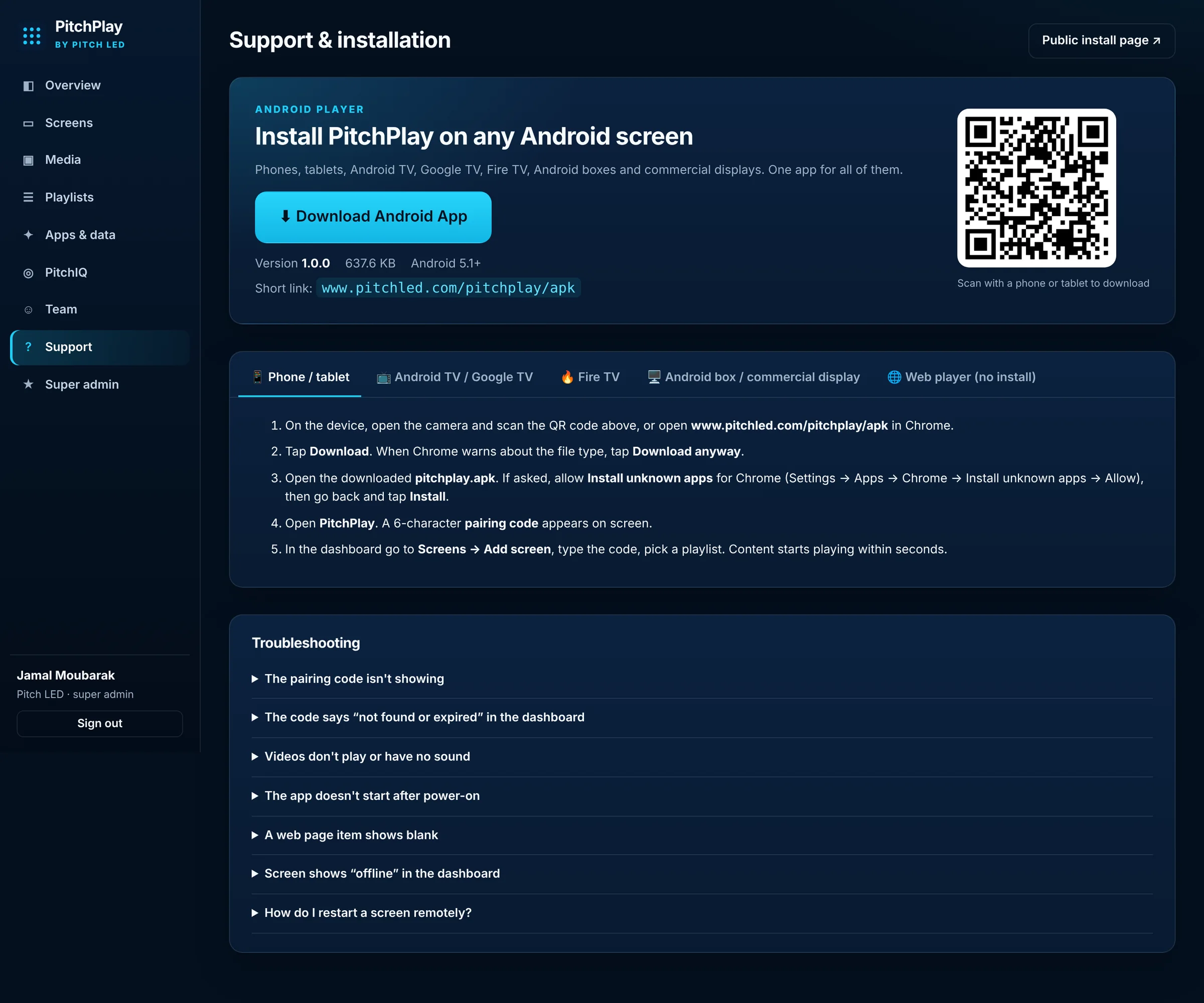
Once you are signed in, Support includes the same Android download, a QR code you can scan from a phone or tablet, and device-by-device steps for Fire TV, Android TV and the web player. The public install page is always one click away if someone on site needs the file before they have a login.
Ask PitchIQ how to set something up and it walks you through it. Ask it to write reel captions, build a playlist from your media, add the live score ticker or weather to your screens, or create an image for a promotion — it does the work, and asks before changing more than one screen.
Promotions on every store screen, from one dashboard.
See how →One playlist for every location, or one store at a time.
See how →Menus that change with the time of day.
See how →Live dashboards and updates on office TVs.
See how →Welcome loops, event schedules, QR codes and weather.
See how →33 guides with layouts and players.
Browse →PitchPlay Sports is $15 per screen per month on the self-serve Starter plan. PitchPlay and Enterprise & Multi-location are quoted: request a quote or call 877-PITCH-LED.
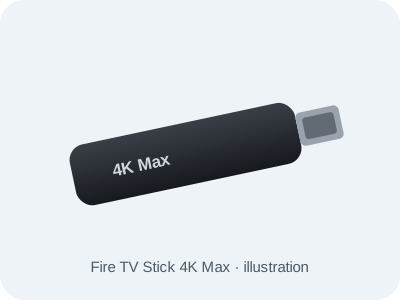
4K Ultra HD, Wi-Fi 6E, Fire OS. Works with PitchPlay via sideload (Downloader app).
$110.99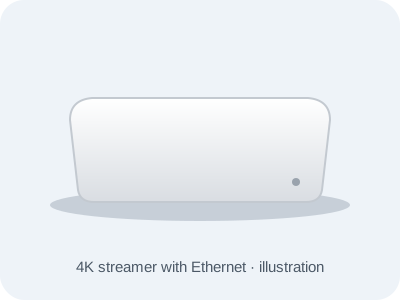
4K HDR, Wi-Fi and a Gigabit Ethernet port for a wired, always-on screen.
$194.99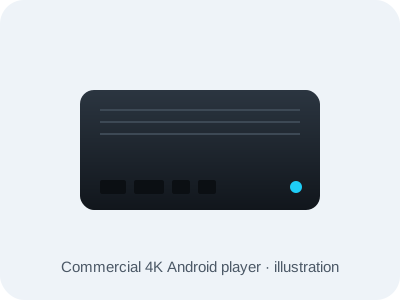
Commercial-grade 4K Android player built for 24/7 use. Powers up and resumes playback on its own after an outage.
$467.99Add a player when you sign up or later from Billing in your dashboard. Already have an Android TV, Google TV or Fire TV device? Use it — the app is free to install.
Pixel pitch, brightness and viewing distance only matter if the right content actually reaches the wall. PitchPlay is built as part of that system: a player on the display, a dashboard for the people who own the message, and a path that works on a fine-pitch lobby wall or a Fire TV in a break room.
PitchPlay is priced by quote: request a quote. PitchPlay Sports, the scoreboard-only plan, is $15 per screen per month on the self-serve Starter plan. Enterprise & Multi-location plans are custom-priced: call 877-PITCH-LED.
Android, Android TV, Google TV and Fire TV devices (Fire TV installs with the free Downloader app), commercial Android players, and a web player in a browser.
Cached content keeps playing, and the screen catches up when the connection returns.
Install the free PitchPlay app on the player. The TV shows a six-character code; type it into your dashboard and the screen is paired.
Yes. Enterprise & Multi-location covers custom integrations, content design and management, multi-location rollout, priority support with an SLA, a dedicated account manager and a white-label portal. Pricing is custom.