PitchPlay install guide

Install PitchPlay on your screen.

PitchPlay runs on Android TV, Google TV, Fire TV and Android boxes, or in any web browser. The app is free and is installed directly from Pitch LED (it is not in the app stores). After it opens, it shows a six-character code — type that code under Screens → Add screen in your dashboard.

Fire TV (Stick, Cube, Fire TV smart TVs)

  1. Settings → My Fire TV → About: click the device name 7 times to turn on Developer options.
  2. Settings → My Fire TV → Developer options → Install unknown apps → turn on Downloader.
  3. Install the free Downloader app from the Amazon Appstore and open it.
  4. Enter pitchled.com/download and select Download PitchPlay (or enter pitchled.com/pitchplay/apk to get the file directly), then Install and Open.
  5. Write down the six-character code and pair it in your dashboard.
Google TV & Android TV (incl. Google TV Streamer)

  1. Settings → System → About: click Android TV OS build 7 times to turn on Developer options.
  2. Install the Downloader app from Google Play.
  3. Settings → Apps → Security & restrictions → Unknown sources → allow Downloader.
  4. In Downloader enter pitchled.com/download, select Download PitchPlay, and install.
  5. Open PitchPlay and pair the code.

Commercial Android players (IAdea and similar)

  1. Mount behind the display and connect HDMI, Ethernet and power — the player boots on its own.
  2. Install the PitchPlay APK (from pitchled.com/download) as the player app, from a USB stick or the device's app installer.
  3. Set PitchPlay to start on boot (it does this by default) and pair the code.

Web player (smart TV browser, PC, kiosk)

  1. Open pitchled.com/pitchplay/player/ in the browser on the screen.
  2. Go full screen and pair the code.
  3. For a kiosk PC, set the browser to open that address at startup.
Players from Pitch LED

Don't have a device yet?

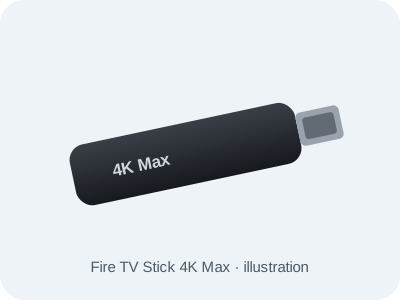
Amazon Fire TV Stick 4K Max illustration

Amazon Fire TV Stick 4K Max

4K Ultra HD, Wi-Fi 6E, Fire OS. Works with PitchPlay via sideload (Downloader app).

$110.99
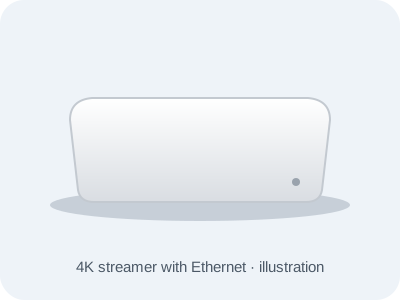
Google TV Streamer illustration

Google TV Streamer (4K)

4K HDR, Wi-Fi and a Gigabit Ethernet port for a wired, always-on screen.

$194.99
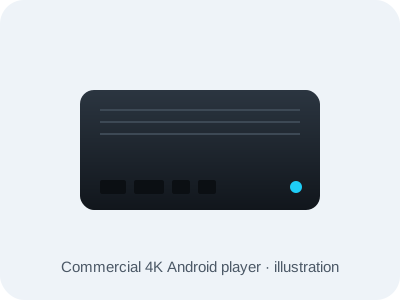
Commercial Android signage player illustration

IAdea XMP-8550 commercial player

Commercial-grade 4K Android player built for 24/7 use. Powers up and resumes playback on its own after an outage.

$467.99

Add a player when you sign up or later from Billing in your dashboard. Already have an Android TV, Google TV or Fire TV device? Use it — the app is free to install.