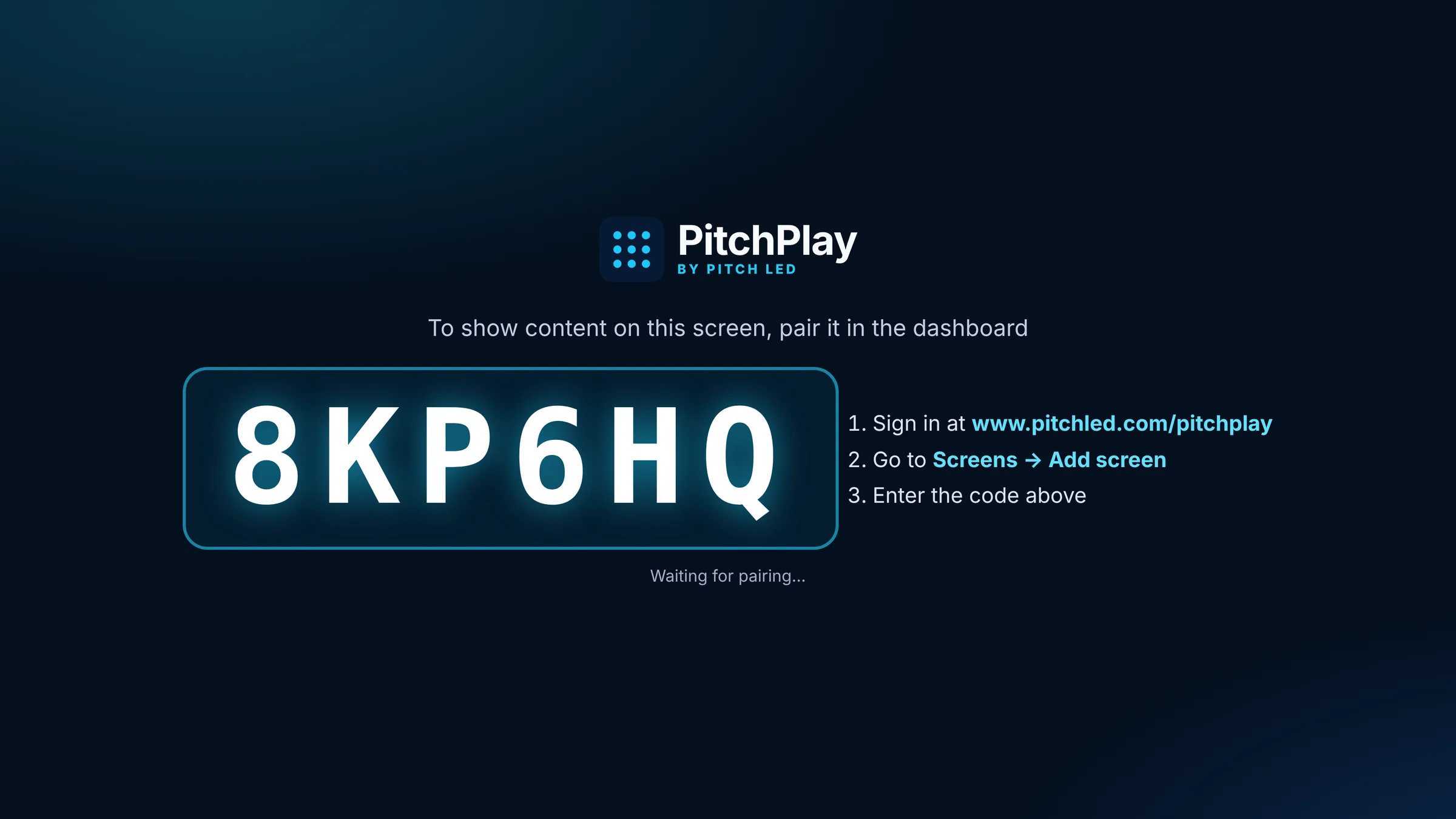
Setup
Pair a screen in seconds
Open the player, enter the six-character code in the dashboard, and the screen is on your account. No extra boxes to learn if you already have Android TV, Google TV or Fire TV.

A Pitch LED video wall is built for the space, the viewing distance and the light. PitchPlay is how you fill it — and every other screen in the building — from one dashboard.
Most digital signage conversations start with the screen. We start with the experience: what should be on it, who should be able to change it, and how it stays reliable once the install team leaves.
Open the player, enter the six-character code in the dashboard, and the screen is on your account. No extra boxes to learn if you already have Android TV, Google TV or Fire TV.
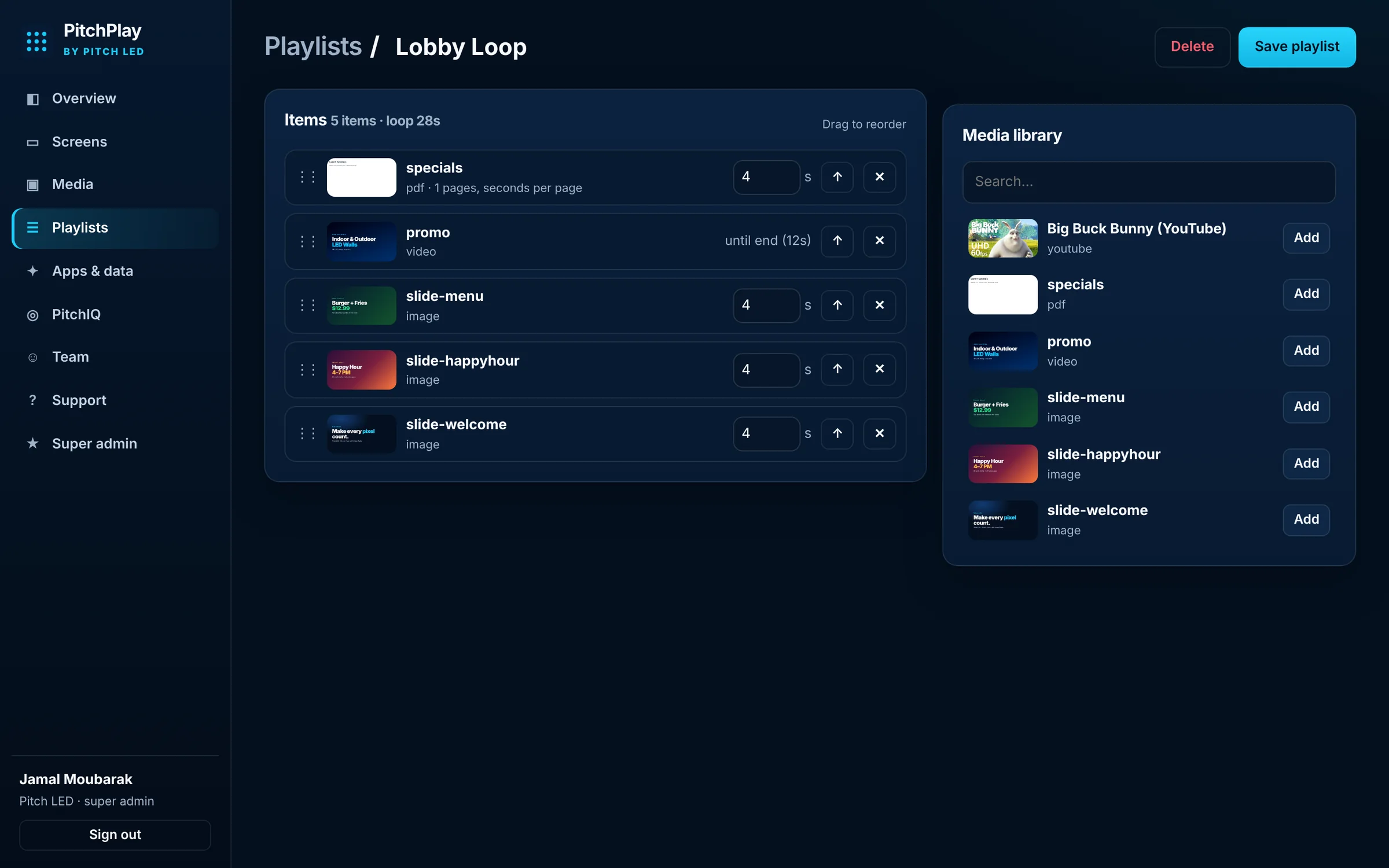
Upload images, video and PDFs, add a web page or a YouTube link, then set durations and dayparting so the right content plays at the right time.
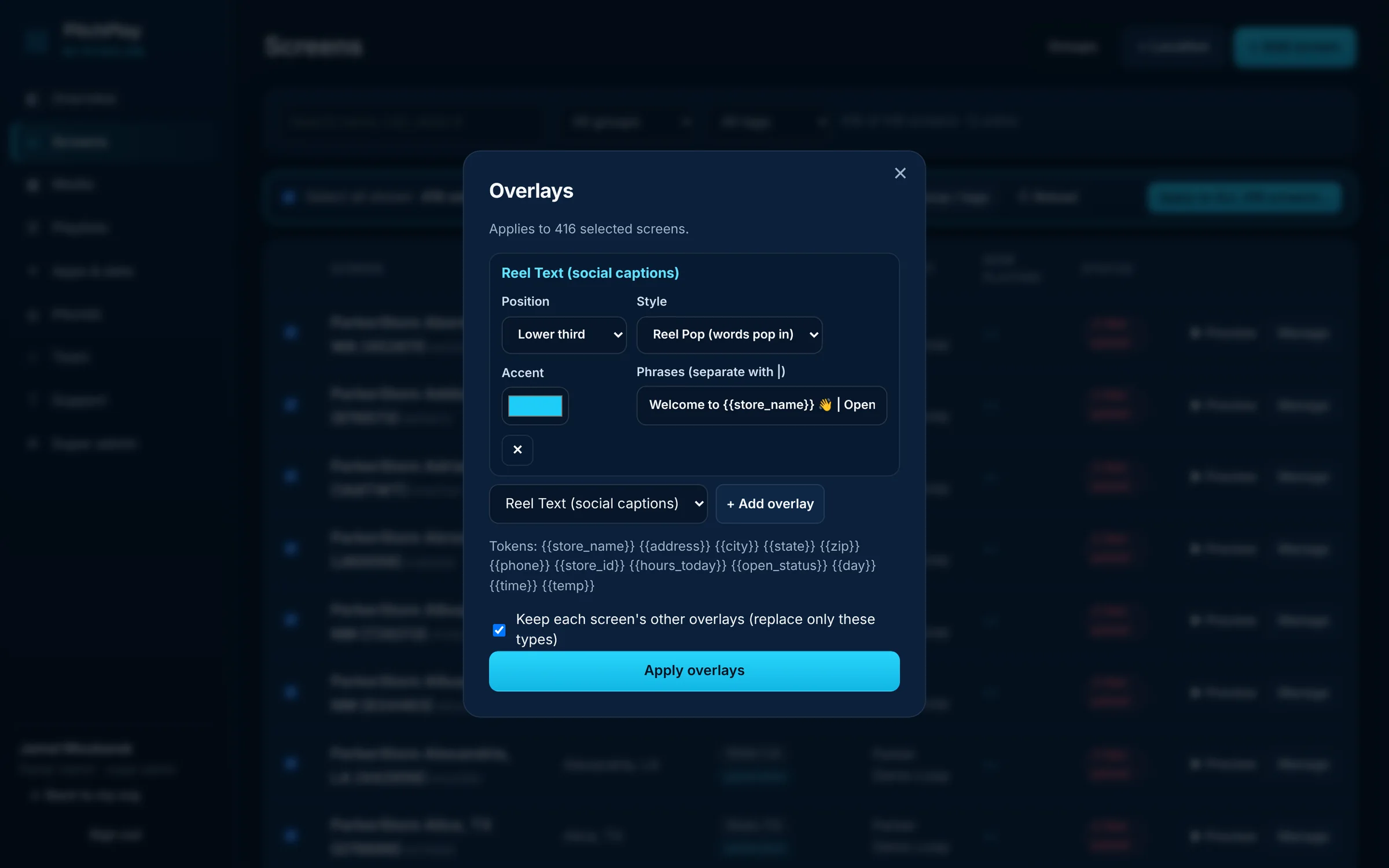
Push a playlist, a schedule or an overlay to a single display, a group, or all screens at once. Each screen can still be adjusted on its own.
PitchPlay is Pitch LED’s digital signage platform. It runs on the LED walls we design and install, and on the tablets, TVs and browsers you already have. Dynamic overlays — local weather, a clock, QR codes and reel-style captions — sit on top of the playlist. Players keep playing if the network drops.
Web dashboard for screens, media, playlists and schedules
Android, Fire TV, Android TV and web players, plus a public install page
Built to sit alongside a Pitch LED video wall — or to run on its own

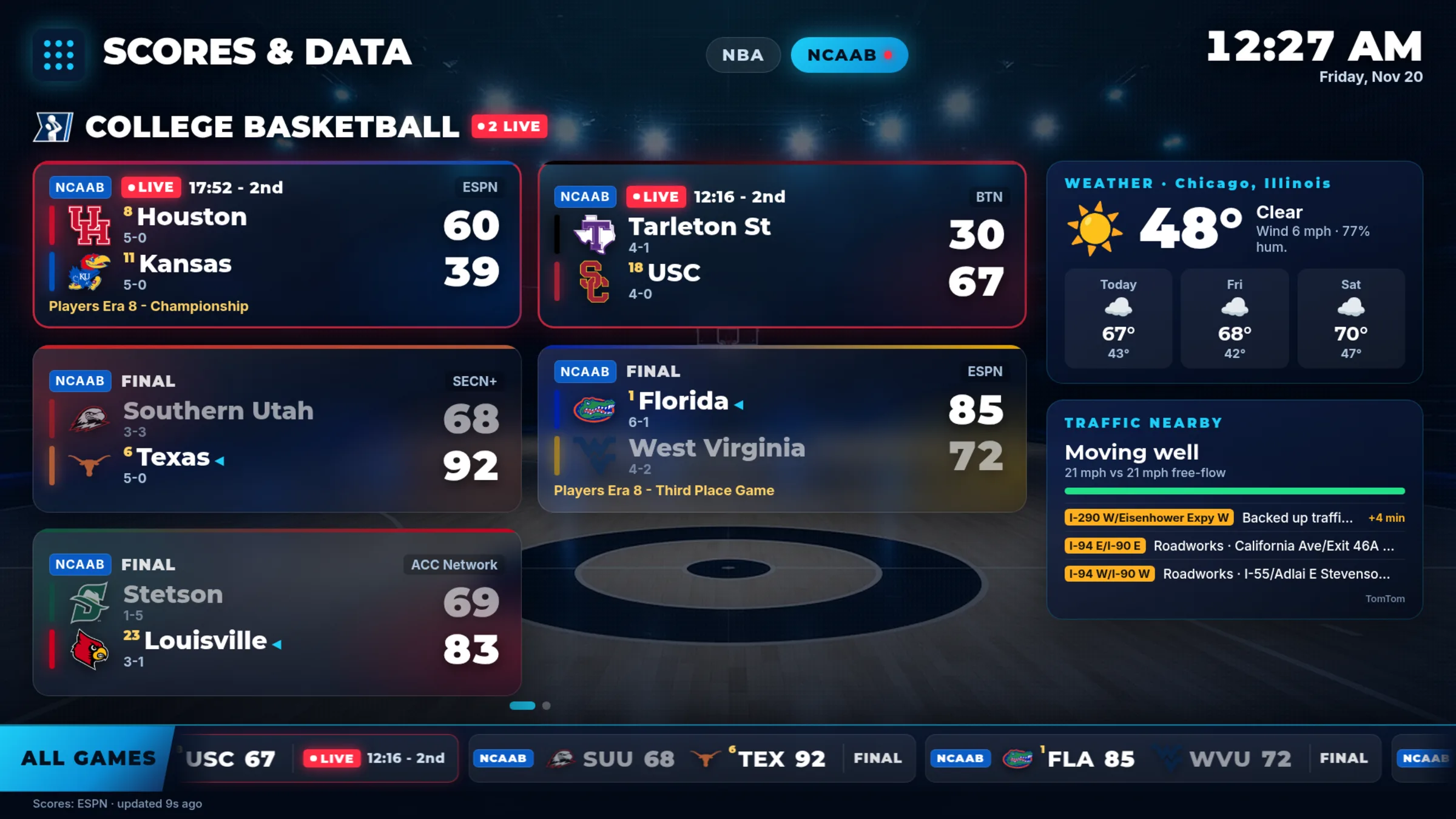
Live scores with team logos for the NFL, NBA, MLB, NHL and college, plus weather, traffic and stocks, full screen over HD court and field backgrounds. For sports bars, restaurants, hotels, gyms and home — $15 per screen per month on the self-serve Starter plan.
Guides with a layout, a content plan and the right player. See all 33 use cases → · Enterprise & multi-location plans →
Promotions on every store screen, from one dashboard.
See how →One playlist for every location, or one store at a time.
See how →Menus that change with the time of day.
See how →Live dashboards and updates on office TVs.
See how →Welcome loops, event schedules, QR codes and weather.
See how →A live scoreboard for every bar TV.
See how →